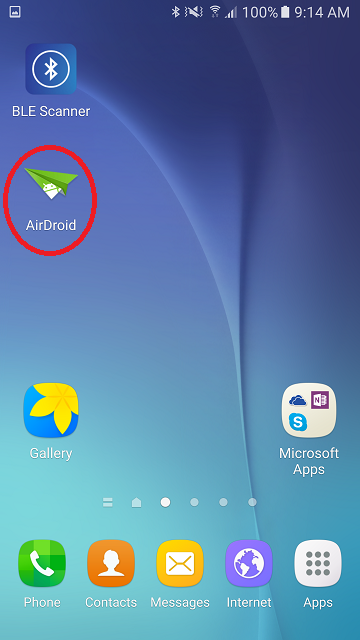
- Download the free app Airdroid to your Android device
- Open the Airdroid app.
- Ensure your Android device and PC are on the same wifi network.
- On your PC open a web browser and navigate to http://web.airdroid.com
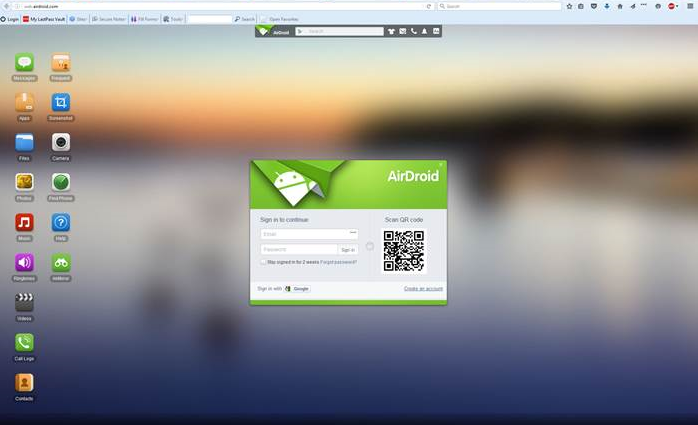
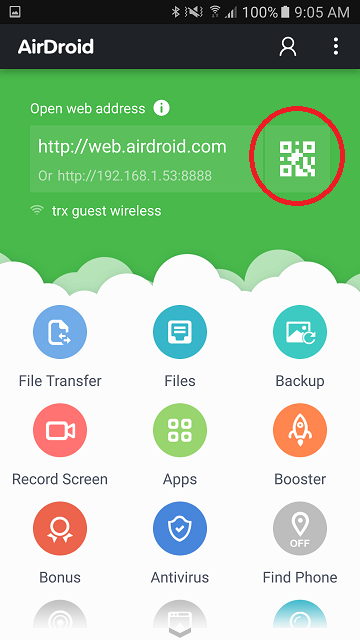
- Press the QR code button on the app and scan the QR code presented on the web browser with the camera on the Android device.
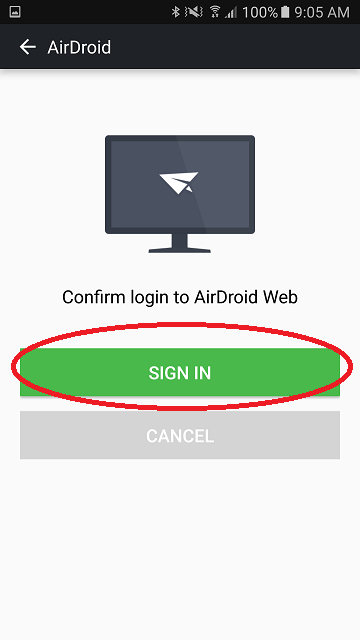
- The phone will ask you to "Sign in", simply press the "Sign in" button.
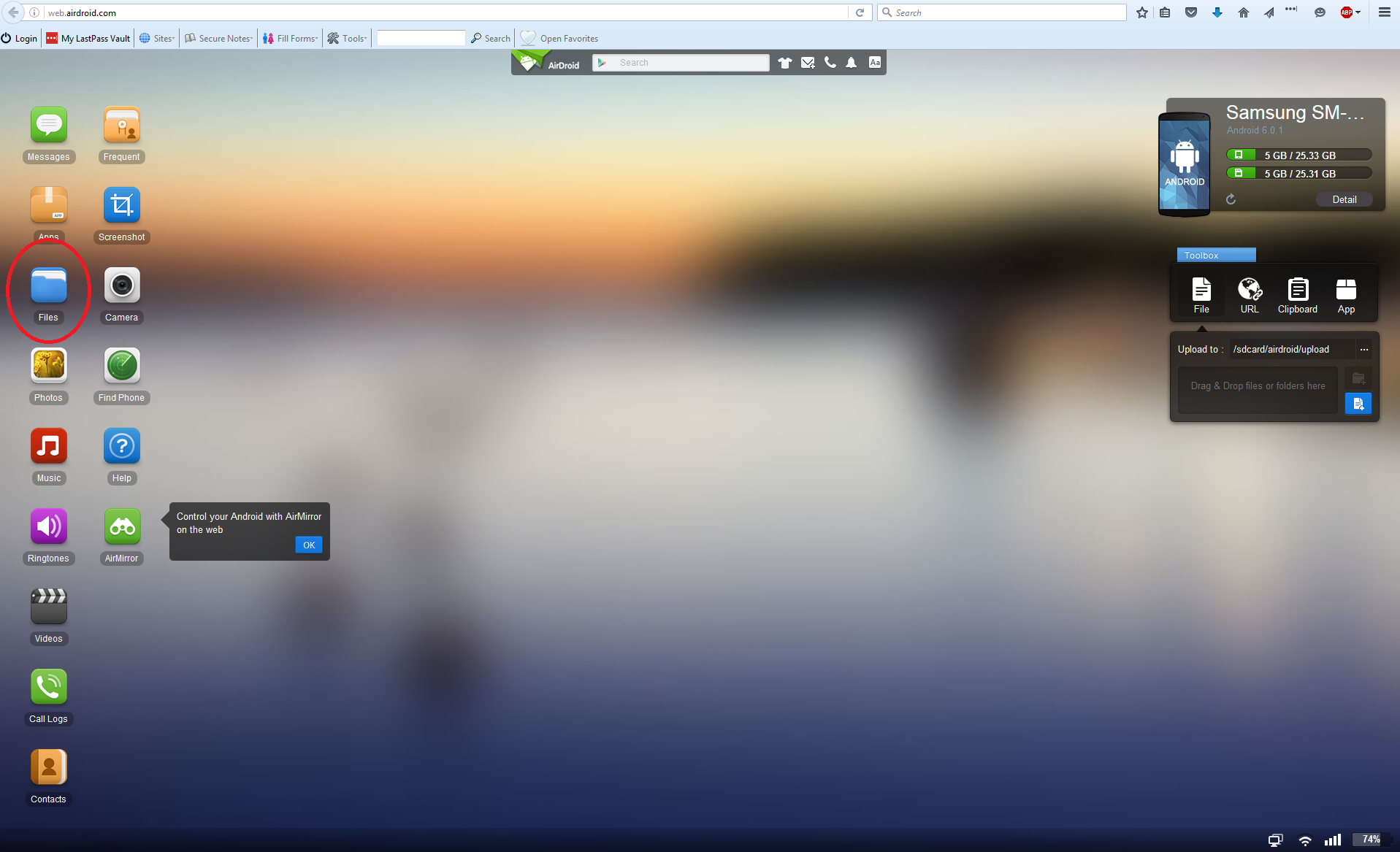
- In a web browser Open Files
- Navigate to Phone\NeonSignalMaps
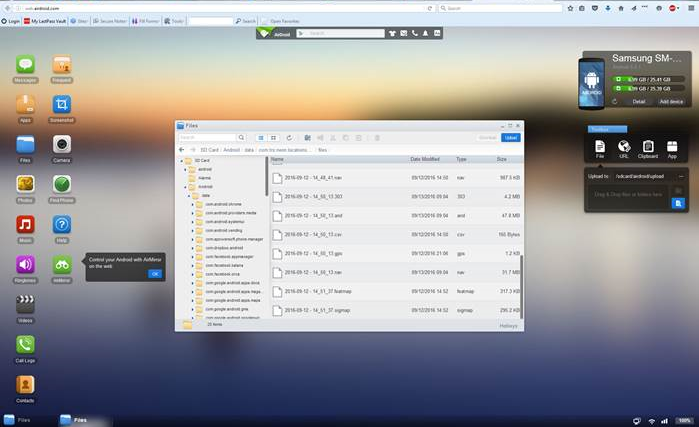
- Select files and download to your computer.
Download .sigmap file using Airdroid
Follow Sarah Blaszak
Updated : Created :
Comments